
TL;DR Opus 5.5 changed how we design a brand. We build real directions instead of mood boards, iterate on the logo with Midjourney and Opus, and finish with AI brand guidelines: uses, components, and rules an agent follows to make new assets, with a person approving each one.
The Last Couple of Weeks
Our design process changed in the last couple of weeks. Most of the change came with one release: Opus 5.5. It’s so powerful. I’m yet to find out what it cannot do.
Previous models had no design sense. They didn’t understand typography, spacing, layout, or any of the small decisions that make a design feel finished, and you couldn’t use what they made for anything you’d show a client. Opus 5.5 does a great job at all of it.
Take logo design as an example. I like to iterate on a logo. I come up with one direction, or a few, and then I iterate on each of them a lot, tens of times, with small changes every time. Opus 5.5 is very good at this. Previous models couldn’t do it at all.
It does much more than variations. It finds references, creates visuals, organizes the design system, names and sorts the layers in our Figma files, and keeps the components in order. It also comes up with ideas of its own. Some of them are really good.
What This Essay Covers
In this essay we walk through how we design a brand today, from the first directions to a system the client’s team can run on their own. Our example is Readog, an iOS app that helps people read more, with a dog as their reading companion.
The new process changed how we work at every stage. The time from the first call to a product launch went from months to weeks.
A launch needs three things: the brand, the product, and the website. Each one has its own process. This essay covers the brand. The product and the website get essays of their own.
Direction Is the Work Now
Much of brand design is becoming creative direction. The execution, very often, is up to the models.
That changes two things: speed and possibilities. A small team can move much faster, and the work can be much better. We believe quantity is a prerequisite of quality. You see more options, your judgment gets sharper, and the one you finally pick is stronger. Models raise the quantity a lot.
So we hand many tasks to them: variations, resizes, cleanup, file organization, and first passes at visuals. Our time goes to choosing, editing, and saying no. Mostly saying no.
Directions, Not Mood Boards
Brand projects used to start with mood boards. We collected images, laid them out, and showed them to the client. The client then had to imagine their brand from other people’s work.
We don’t make mood boards anymore. We find references, build three to five directions, and design each one for real. The client sees an actual brand direction: a mark, a palette, type, and a few applications like an app icon, a social post, and a blog header, all built from the references we found.
Models can’t design a direction on their own, but they speed up every step of it. That’s why we can now show several real directions in the time one used to take.
For Readog we believed the best fit was a calm, illustrated style. We still designed the other directions in full. The client saw everything side by side and agreed to go with our suggestion.
We also built an internal tool, Artifact, where we generate directions from a brief.
Iterating on the Logo and Brand Elements
Once the direction is set, we iterate on the logo and on brand assets and elements. This is where the models work well, and two of them share the work. Midjourney draws. Opus 5.5 does everything around the drawing: it writes the prompts, sorts the results, and builds everything in Figma. We created the first set of elements ourselves, and the models extended it, creating many new elements in the same style. The Readog logo rounds alone produced more than 500 images before we landed on the final mark.
From those elements we built a set of components, the building blocks of the design system. With them, Opus put together lots and lots of different assets, creatives, and elements.
Then we edited those by hand and picked the best of them as the main reference. The models kept creating, guided by that reference. We edited again and added the best new pieces to the reference. We ran this loop again and again, until we were happy with the quality of the output and the reference library was big enough to build on.
For Readog the library became a shelf in Figma, with 22 dogs, around 60 objects, 20 places, and 16 patterns.
The Visual Pipeline
The brand also needs a way to make visuals in volume, so we set up an image generation style and pipeline. For Readog those are illustrations.
We generate the illustrations in Midjourney, using a Midjourney style we built for the brand. For Readog that style reads like a riso print on cream paper, a little grainy and slightly off-register, in the app’s own inks. We are big fans of Midjourney. We believe nothing comes even close to it for this kind of work.
Then we vectorize every pick with a tool we built for this and placed inside the brand system. It goes to the client with everything else, so their team can keep turning new illustrations into vectors after we hand the brand over.
Once it’s vectorized, it goes into Figma, where we organize it properly with the rest of the brand.
Midjourney isn’t good at everything. Simple repeating patterns, like gingham, stripes, or scallops, come out messy and uneven. So we draw those with code instead. A short script draws each pattern exactly, in the brand’s colors, and it goes into Figma next to the illustrations, ready to be used with them.
For Readog we generated close to 1,500 images in Midjourney and ended up with more than 1,100 vector files. Over three days the pipeline carried more than 200 finished brand visuals: blog headers, social posts, App Store art, billboards, email headers, and a sticker sheet. Every one of them was built from the parts in our reference library.
The Design System
The last part of the brand is the design system. It’s a templated system and a set of tools for creating assets, made so the client’s team can keep producing work after we leave.
Think of it as AI brand guidelines: a design system built for agents. It has three parts. Uses say which assets the brand needs, in what format, and for what job. Components are the brand’s parts, built in Figma. Rules are every decision we made, written down. The agent builds each new asset from the components, checks it against the rules, and a person approves it.
For this client, the main distribution plan was SEO content, ASO, and paid ads. Each channel needs its own assets, so we built templates in Figma around those three.
SEO content means a lot of blog posts, and every post needs a header. So blog headers got their own template: a 1600 by 900 frame the agent fills with parts from the library, plus a 3:2 crop for feeds and a square one for social. Each header shows the article’s idea in one simple scene. Blog headers often show up small, next to a Google result or in a social feed, and a simple scene stays clear at that size.
For ASO, the main assets are the App Store screenshots. People decide whether to download the app from those few images. We made the screenshots in the same system as everything else. Each one has a short line of copy and a real screen from the app, framed in an open book, so the App Store page looks like the rest of the brand.
For paid ads and social media, the agent builds the same scenes in any size the channel needs, from square posts to stories, from the same parts.
The agent doesn’t design on its own. There is a clearly defined system behind it.
Uses. We decide which assets the brand needs, starting from the distribution plan. Each use gets a format, a job, and the parts it’s built from. A Readog blog header is 1600 by 900 pixels and shows the article’s idea in one scene. Readog has 13 uses and a scene for each of 18 blog topics.
Components. The parts from our reference library, built as components in Figma: every dog, object, place, and pattern on the shelf. Every template is put together from them, and the library grows as the brand grows.
Rules. Every decision we make during the brand work gets written down, so the agent doesn’t undo it. On Readog, the first visuals came out too dark, then too bright. We settled on the app’s own bright colors, printed like riso on cream paper, and that became a rule. It’s one of many. Readog has rules for color, composition, type, patterns, and each use, from how much empty space a visual keeps to how many elements it can hold. The agent reads the rules before it makes anything and checks its work against them after.
Making One Blog Header
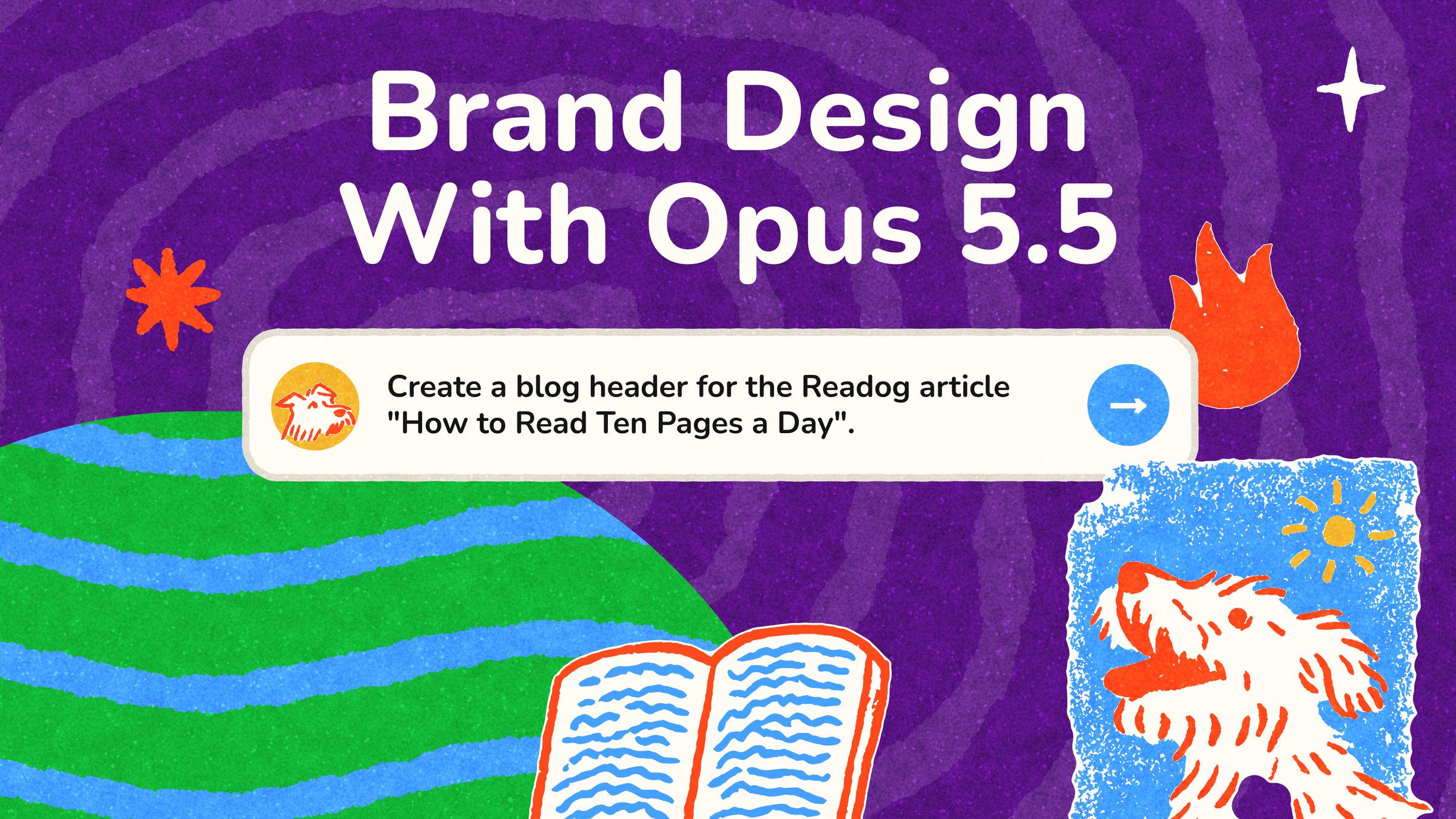
Say the client’s team needs a header for "How to Read Ten Pages a Day." The agent finds the blog header row and picks a scene from the topic map. Habits get the dog by a half-filled timer ring. Reading at Night gets the dog in bed under a quilt. It builds three versions in Figma from components, checks each one against the rules at full size and at thumbnail size, and reports what passes. A person picks one, and the agent exports every size the post needs.
The agent works in Figma through the official Figma MCP. It uploads our vector files straight into the Figma file, builds with Figma’s own plugin code, and takes screenshots, so the agent can see what it built and fix it. That loop of building, looking, and fixing is most of our work.
How the System Grows
The system keeps growing after we hand it over, because the brand keeps needing new things. The client’s team grows it with the same tools we used.
Say a blog post needs a dog on a bike, and there’s no dog on a bike in the library. The team makes one the same way we made all the others. They generate it in Midjourney with the brand’s style, vectorize it with our tool, and add it to Figma as a new component. The whole flow is already set up for them: the Midjourney style, the vectorize tool, the Figma library, and a guide for each step. So making a new part is easy, and it matches the rest of the brand. Next time someone needs it, it’s already there. That’s how the Readog shelf grew while we were building it, from eight dogs to 22.
The rules grow the same way. When the team keeps fixing the same mistake in the agent’s work, the agent writes that fix down as a new rule, and stops making the mistake.
And when the brand needs a new kind of asset, like a podcast cover, the team just asks for it. The agent adds it to the list of uses, with its size and its job, and builds the template from the components. The team checks it and approves it.
Two Guides
We write two guides, one for the agent and one for the people on the client’s team.
The agent’s guide is a skill: written instructions the agent loads before it starts. It’s the visual side of the brand content system we use for writing. It tells the agent where everything is, from the list of uses and the rules to the right pages and frames in the Figma file. It also walks the agent through the steps, from picking a scene to checking the result. Without it, the agent would have to find its way around the brand from scratch every time.
The people’s guide is a page in Figma. It shows the parts, the templates, and the best finished visuals, with the main rules on one page. Anyone on the team can open it and see how the brand works and what good looks like.
With both in place, anyone on the client’s team, or their agent, can make any new asset, from a blog header to an App Store screenshot or a paid ad.
What I Think
I’m excited about this. The models do a huge part of the work now, and they do it well. But every good thing in a brand still comes from a decision someone made: the direction, the edits, and the many nos. That part is still ours, and I don’t think it’s going anywhere.
That’s how we design a brand today.

By Markiian Bobyliak
Markiian is the founder and design director at Supermega Design.